Automation Without Losing the Human Layer: Designing Client Workflows for Professional Services

Automation has a strange reputation in professional services. It promises efficiency, yet clients often associate it with the opposite of what premium service should feel like: generic messages, rigid processes and the sense that nobody is really paying attention.
That does not mean automation and premium service are incompatible. It means they have to be designed differently. For a professional firm, the most useful question is not “How much can we automate?” but rather:
Where does automation improve the experience, and where does a person need to remain visible?
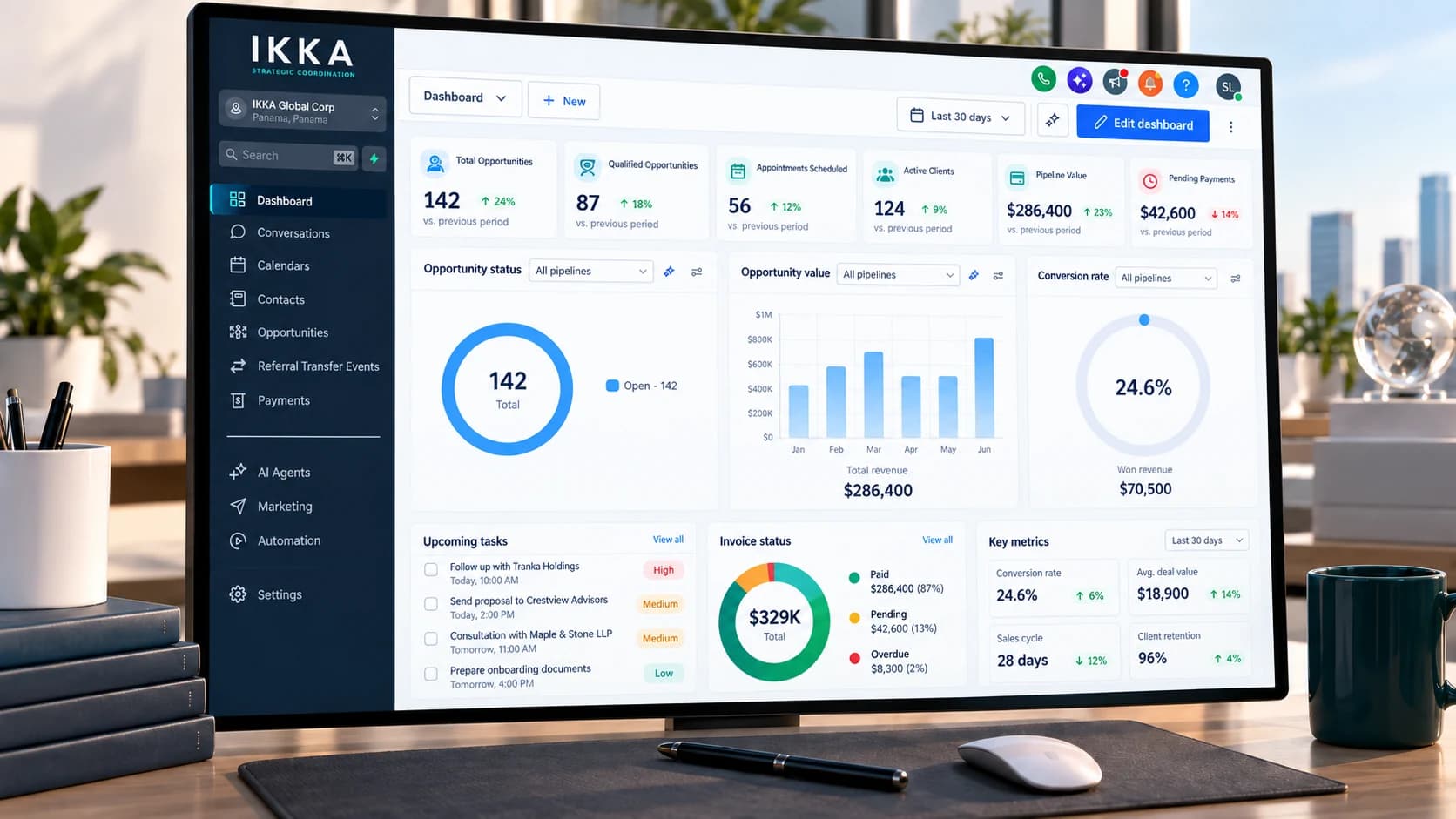
That distinction matters more than the technology itself. In our related insight on when a CRM becomes the operating system of a professional firm, we looked at the infrastructure connecting intake, communication, proposals, payments, follow-up and reporting. The next question is how that infrastructure should behave around a premium professional relationship.
Efficiency is useful. Trust is still the product.
Not Every Client Moment Has the Same Value
A reminder that a meeting is tomorrow at 10:00 and an explanation of why a professional recommendation has changed are both communications, but they should not be treated in the same way. The first is predictable, factual and low-risk; the second requires context, judgment and probably a conversation.
This is one of the central principles of effective workflow design: the value of human attention changes depending on the moment. Professional firms should design workflows around client moments and decision points, not simply around tasks. That is also why CRM & Workflow Infrastructure should begin with the service model and decision logic before any automation is configured.
The Best Automation Is Often Invisible
A premium client does not need to know that an internal task was automatically assigned when a document arrived, that a reminder was created after a meeting or that an inactivity alert was triggered after several days. What matters is the outcome: the document is not lost, someone follows up, a delay is noticed early and the right professional becomes involved at the right time.
Much of the most valuable automation therefore happens behind the relationship. It organizes people, information and timing without trying to impersonate the professionals involved.
Useful behind-the-scenes automation may include:
creating internal tasks when documents or payments are received;
flagging missing information before a matter reaches the specialist;
identifying cases that have remained inactive longer than expected;
routing inquiries to the appropriate professional or team;
reminding staff of deadlines, appointments and pending approvals;
updating project stages after defined operational events;
preparing status information for coordinators and client-facing teams.
The purpose is not to fill the client experience with automated messages. It is to make the organization more reliable.
Speed Is Not the Same as Attention
One of the easiest mistakes is to measure service quality only through response time. A reply in ten seconds is not automatically better than a reply in thirty minutes; it depends on what the client is asking.
If a client wants confirmation that a document was received, immediacy is useful. If the client is asking whether they should restructure an investment, change a legal strategy or make an important financial decision, speed alone has little value. They need attention, context and professional judgment.
Automation should make routine communication faster without pressuring professionals to treat complex questions like routine ones.
The Client Should Know When a Person Is Involved
There is an important difference between a system update and a professional recommendation. A message such as “Your document has been received” can be automated without creating confusion. A message such as “We reviewed your position and recommend Option B” should clearly reflect human professional responsibility.
For substantive matters, clients should be able to understand who reviewed the issue, who made the recommendation and who is accountable for the advice. Automation should support that responsibility, not obscure it.
Personalization Is Context, Not a First Name
Inserting a client’s name into an automated message is not meaningful personalization. Real personalization comes from understanding context: one client may be waiting for a bank, another for a family member’s documents, another may have a travel deadline, while another prefers formal email communication and only uses WhatsApp for quick coordination.
Premium relationships may also require different communication rhythms. Some clients want regular updates; others prefer contact only when something materially changes. A strong workflow creates structure without forcing every client through the same communication pattern.
This is where Client Intake & Premium Support becomes relevant. Better intake gives the workflow enough context to support the client appropriately before unnecessary noise reaches the professional.
Sometimes the Best Automated Action Is to Alert a Human
| Situation | Automation can help with | Human involvement matters for |
|---|---|---|
| Routine scheduling | Confirmations, reminders, rescheduling prompts | Exceptions, urgency or sensitive changes |
| Document collection | Checklists, receipt confirmations, missing-item reminders | Interpreting unusual documents or conflicting requirements |
| Client follow-up | Detecting inactivity and creating follow-up tasks | Understanding frustration, hesitation or changed priorities |
| Professional review | Preparing information and routing the matter | Advice, recommendations, suitability and judgment |
| Project status | Updating milestones and pending items | Explaining delays, risks and strategic changes |
Automation is often described in terms of actions: send a message, create a task, issue a reminder or move a record. In premium professional services, some of the most valuable automations should do something simpler: tell a person where attention is needed.
A workflow may detect that:
a high-value client has not received a meaningful update within the expected period;
the same document has been requested twice;
a project has stopped progressing at one stage;
a response contains signs of confusion or frustration;
a deadline is approaching while a dependency remains unresolved.
The correct next step may not be another automatic message. It may be a call, a review by a coordinator or escalation to the responsible professional.
Exceptions Are the Real Test of Workflow Design
Almost any workflow can handle the expected path. Professional services become difficult when reality does not cooperate: a bank asks for something unexpected, a client changes their plans, a document cannot be obtained, a partner needs additional information or an institution changes its requirements.
A workflow that works only when every step happens exactly as planned is not particularly sophisticated. Good operational design anticipates exceptions and defines what should happen when the standard path no longer applies.
Detect the exception. Identify when a case is outside the expected timing, documentation or decision path.
Stop inappropriate automation. Prevent reminders or status messages that no longer make sense.
Route the matter. Assign the issue to the coordinator or professional capable of evaluating it.
Record the decision. Keep the reason for the deviation visible to authorized participants.
Resume only when appropriate. Continue the workflow once a person confirms the correct next step.
This is the difference between simple automation and professional workflow design.
The Wrong Automation Can Damage a Strong Relationship
Small errors become highly visible when communication is automated. A client receives a reminder after completing the task, a congratulatory message arrives before an approval is final, or a generic follow-up asks whether the client is “still interested” after an engagement has already been signed.
None of these mistakes is catastrophic on its own. Together, however, they create a damaging impression: the system knows less about the relationship than the client expected the organization to know.
In a premium environment, accuracy matters more than automation volume. Sometimes sending nothing is better than automatically sending the wrong message.
Professional Judgment Should Never Become a Trigger
A workflow can collect information, organize documentation, identify that a client has reached a particular stage and notify the appropriate professional. What it should not do is quietly turn a professional decision into an automated assumption.
Legal advice, financial recommendations, suitability assessments, strategic decisions and unusual client circumstances require judgment. Technology can prepare the information surrounding that decision, record the outcome and activate the operational steps that follow, but the decision itself belongs to the professional.
Better Automation Also Protects Professional Time
The human layer is not only about what the client experiences. It also concerns the professionals delivering the service. Badly designed workflows create notification fatigue, duplicated tasks, unnecessary messages and escalations that do not deserve attention.
A good workflow should be selective. When a professional receives an alert, it should mean something. When intervention is requested, it should be because human attention adds value.
The division of work should therefore be deliberate:
Systems remember: dates, pending items, activity history, deadlines and predefined dependencies.
Systems organize: repetitive actions, task routing, status changes and information flow.
People interpret: context, nuance, exceptions, client concerns and conflicting information.
People decide: strategy, advice, recommendations and unusual cases.
People reassure: especially when the client is uncertain, frustrated or facing a material decision.
A strong professional workflow gives each side the work it is best suited to perform.
Premium Service Requires Different Levels of Attention
Not every client journey needs the same level of intervention. A straightforward matter moving normally through an external process may require relatively little contact, while a complex engagement involving several professionals may need frequent coordination.
A client approaching an important deadline may need proactive communication. Another dealing with an unexpected problem may need direct access to the responsible professional. The system should therefore help the organization recognize when the level of human attention needs to change.
Where ongoing coordination extends across recurring administrative matters and several providers, Executive Corporate Operations can provide a longer-term structure around that continuity.
The Goal Is Not to Remove Every Point of Friction
“Frictionless” is often presented as the ideal digital experience, but professional services require more nuance. Some friction exists for a reason: KYC takes time, documents require verification, professional opinions require review and certain decisions should not be made instantly.
The objective should be to remove unnecessary friction, not necessary diligence. Waiting because a professional is carefully reviewing a complex issue is very different from waiting because nobody realized the matter had been sitting untouched for five days.
How IKKA Approaches Workflow Automation
For IKKA, useful automation begins before the first trigger is configured. The starting point is understanding the service, the client journey and the points where coordination or professional judgment matter most.
A practical design sequence is:
Map the client journey. Identify the major stages, handoffs and dependencies.
Separate operational actions from professional decisions. Determine what can be standardized and what must remain judgment-based.
Identify repeatable administrative work. Look for reminders, data capture, routing, status updates and recurring follow-up.
Define exception paths. Decide when automation should pause and a person should intervene.
Set communication rules. Clarify which updates can be automated and which should come from a person.
Measure and refine. Review delays, duplicate work, client questions and professional workload to improve the workflow over time.
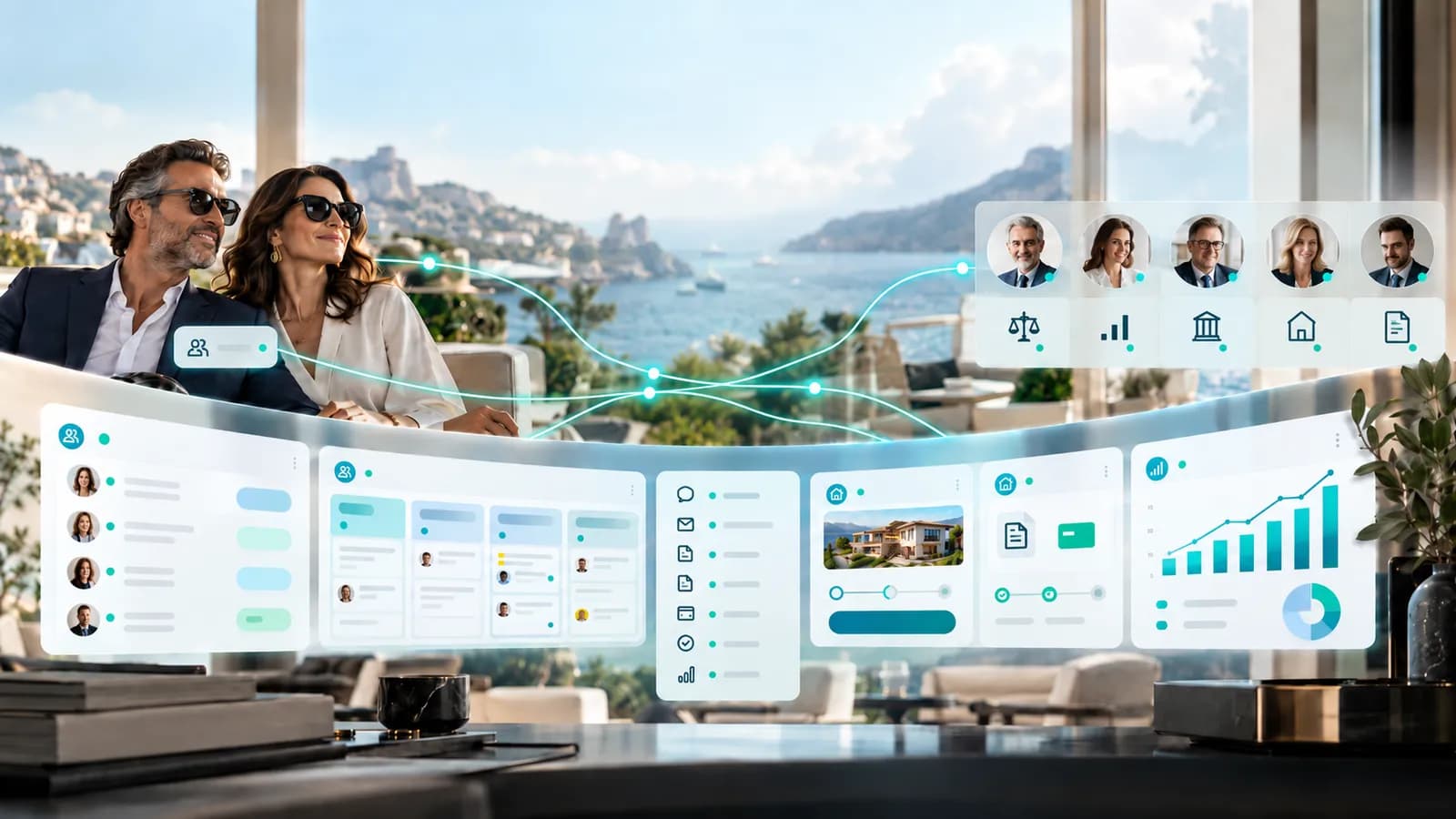
For professional Partners operating within a broader digital referral ecosystem, CitizenResident - Partner Integration can connect inquiry routing, Partner attribution and supported follow-up workflows with the wider client journey.
What Premium Clients Should Ultimately Feel
If automation is working properly, the client may never think about automation at all. They simply notice that the organization remembers what they have already provided, useful information arrives at the right moment and they are not repeatedly forced to chase progress.
They also know when something requires their attention and, when an issue becomes important, they can reach a person who understands the context. For professional partners, the same system should create fewer unnecessary interruptions and more time for the work that actually requires expertise.
Technology Should Make Professional Service Feel More Human
The paradox of good automation is that its greatest success may be making technology less visible. The client should not feel processed, the professional should not feel controlled by a workflow and the organization should not confuse activity with service.
The system exists to remember, coordinate and recognize patterns. People remain responsible for understanding what those patterns mean.
Automation belongs in professional services as infrastructure for stronger human relationships — not as a substitute for them.